

- Is Nulling Required:
- NO
- Compatible Xenforo
- 2.3, 2.2, 2.1, 2.0
- Code Modifications
- NO
Description:
Manages your Google AdSense advertising.
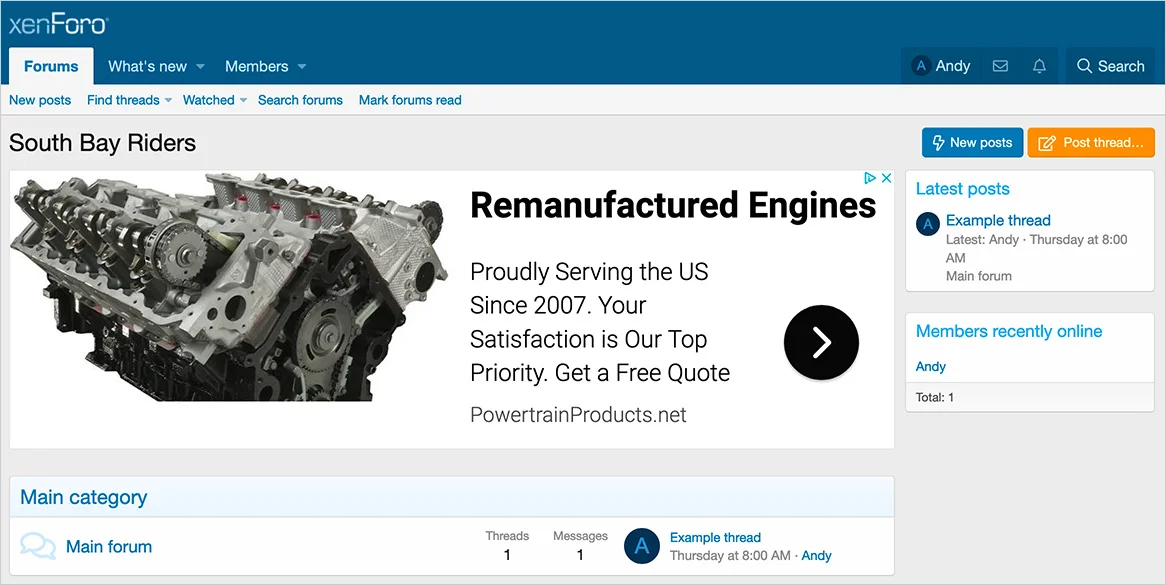
(Example of ad on forum list)
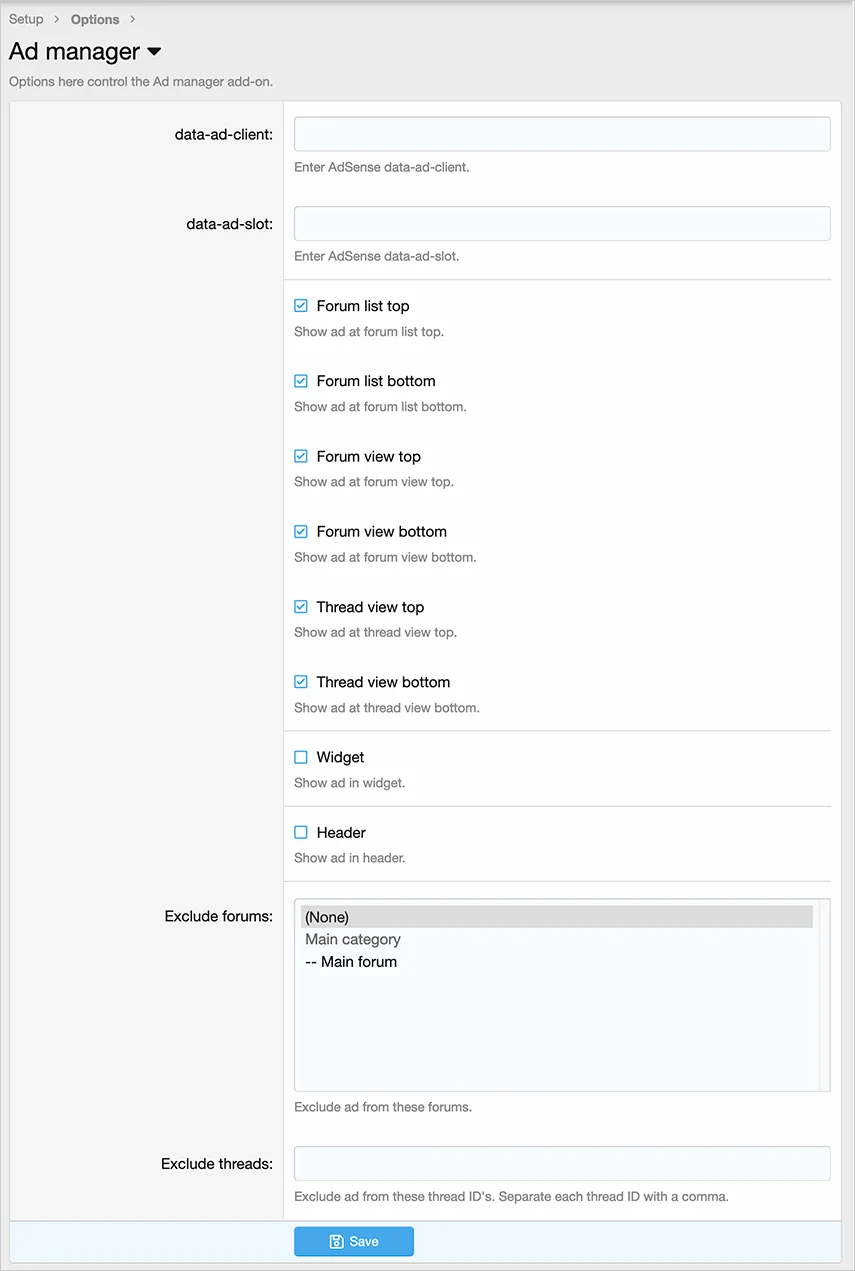
(Example of Options page)
(Example of User group permissions)

Get your AdSense code:
User group permissions:
View = show ads to this user group
Widget setup:
If you would like to display an AdSense in a widget, for example in the sidebar on forum list, follow these steps:
Q: Should I exclude forums which guests are not able to view?
A: Yes.
Manages your Google AdSense advertising.
(Example of ad on forum list)
(Example of Options page)
(Example of User group permissions)
Get your AdSense code:
- Log into your Google AdSense account
- Click Ads
- Click Ad units
- Click By ad unit
- Click Display ads
- Name your ad unit = Responsive
- Click Horizontal
- Click Create
User group permissions:
View = show ads to this user group
Widget setup:
If you would like to display an AdSense in a widget, for example in the sidebar on forum list, follow these steps:
- In the options page of Ad manager, select the Widget checkbox
- Go to Admin control panel -> Appearance -> Widgets
- Click Add widget
- In the Widget definition, select the Ad manager and click Add widget
- Widget key = ad_manager
- Forum_list: sidebar = {enter number depending on where you want to show in sidebar}
- Click Save
Q: Should I exclude forums which guests are not able to view?
A: Yes.


